Control your Mac from your palms: turn your iPhone/iPod Touch into a remote trackpad and keyboard for your Mac.
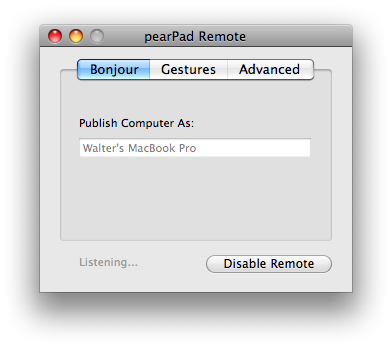
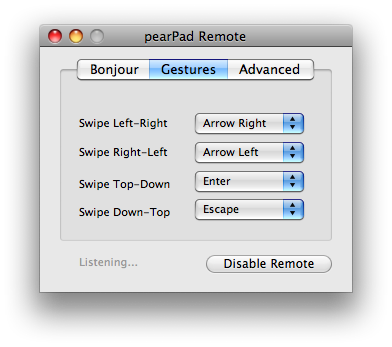
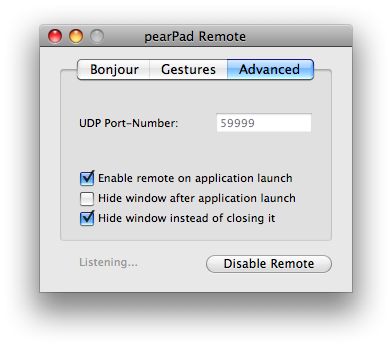
pearPad Remote screenshots (on the Mac):
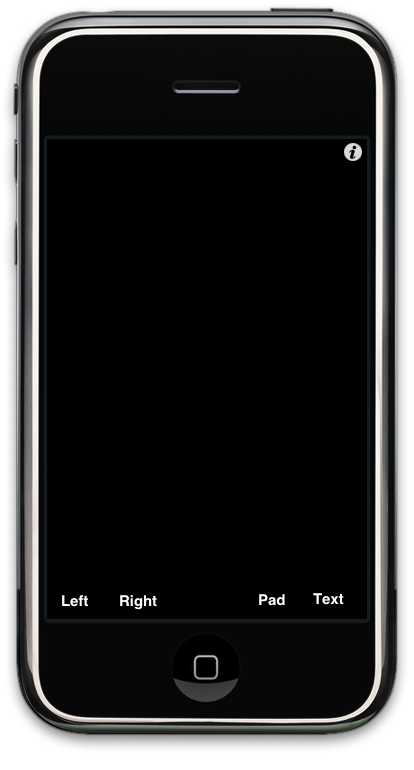
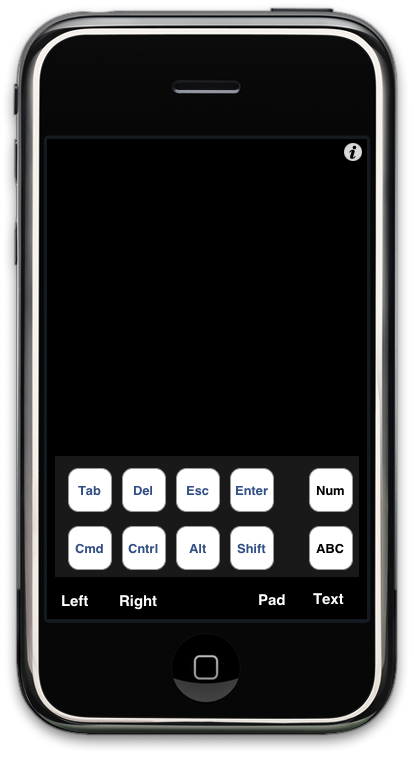
pearPad screenshots (iPhone/iPod Touch) The main trackpad screen:
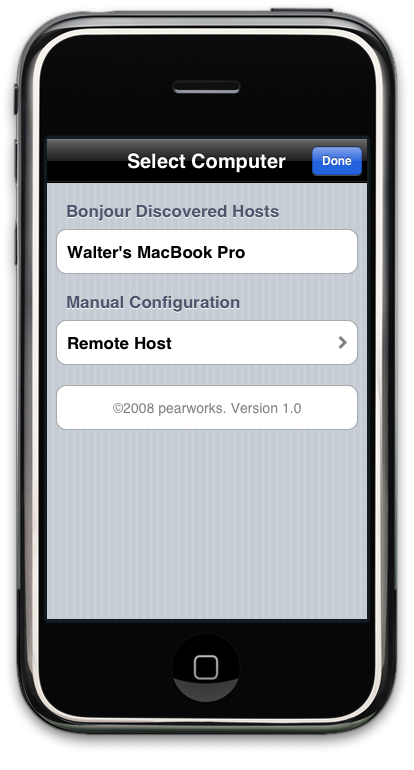
Pick the computer you would like to control
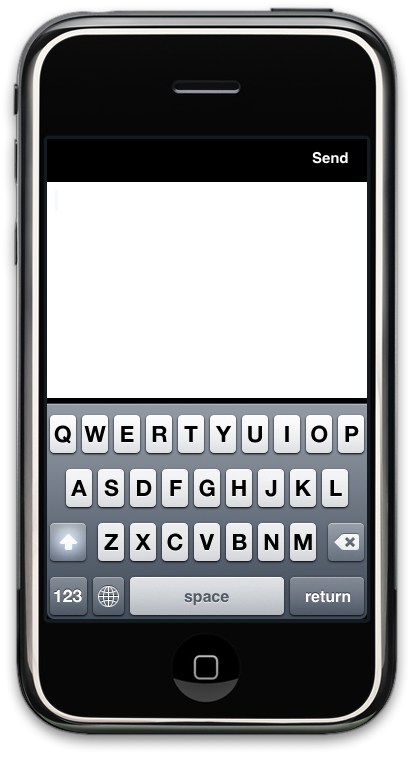
Enter text using the default onscreen keyboard
Send some meta-key presses
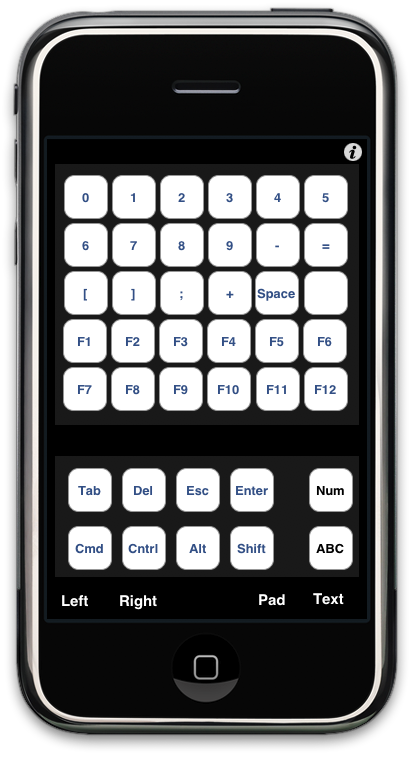
...or an entire key combination
Back to pearPad Description Download pearPad Remote for MacOS X 10.5 (173kB)
Apple, iPhone, iPod Touch, iPhoto, Aperture, and MacOS X are trademarks of Apple Inc. ©2008 walter ritter


 pearPad